Grading
Grading With AI: A Rubric-First Method That Keeps You in Charge
The rubric-first workflow for AI grading: write the descriptors, draft feedback one paper at a time, keep the number yours. Data rules included.
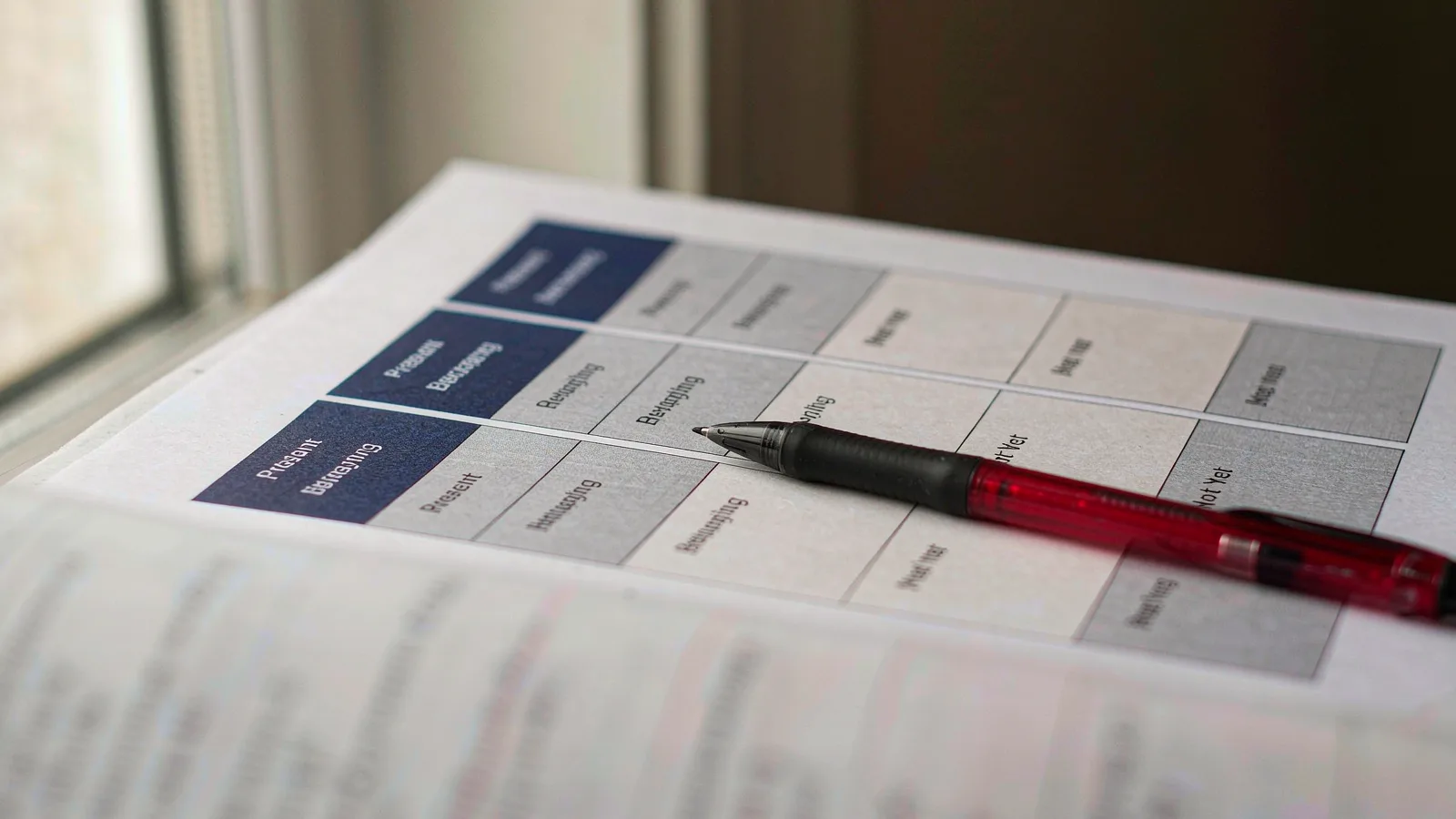
Feedback is the most labour-intensive part of teaching that nobody sees. Thirty papers, three criteria each, written so each student knows what to fix next — that is an evening, and it is the first thing that gets thinner in a busy term.
AI can draft that feedback well enough to be useful, under one condition: you write the rubric first and the model fills it. Skip the rubric and you get comments that could belong to any student, which is worse than no comments at all.
Write the rubric before you generate anything
A usable rubric has three parts per criterion: what the student does, what it looks like at each level, and what to do about it next time. The third part is what makes feedback actionable and it is the part generated rubrics always omit.
A workable descriptor looks like this:
Analysis (4): Names a claim, supports it with two pieces of evidence from the text, and explains the link between evidence and claim. If a student is here, the next step is addressing a counter-argument.
Compare a generated version: "Demonstrates strong analytical skills." That sentence cannot be applied, cannot be explained to a parent, and cannot be turned into feedback.
Give the model the full descriptors, not the criterion names. This single change improves output more than any prompt tweak.
One paper at a time, not thirty in a batch
Batching feels efficient and produces sameness. The model sees a pattern across papers and starts averaging: the same three phrases distributed across students, the same structure in every comment.
Process papers individually with the same rubric. It costs a few more clicks and preserves the thing that matters — that each comment responds to what that student actually wrote.
A practical rhythm: open the paper, paste the rubric and the response, read the draft, edit the first sentence, move on. Roughly ninety seconds per paper once you have the rubric, against five to eight minutes writing from scratch.
The four ways AI feedback fails
Vacuous praise. "Great effort, keep practising" is the default register. If a comment could be pasted onto another student's paper, delete it and write something specific.
No quotation. The most useful feedback points at the student's own words. Ask for a short quote with each strength and each weakness — it forces the draft to be anchored and it makes the comment credible to the student.
Over-hedging. Generated feedback softens every judgement: "you might want to consider perhaps". Students read hedging as uncertainty about whether the work is good. Rewrite to plain statements.
Wrong severity. Models are poor at ranking. A draft that treats a missing citation and a missing argument as equally serious misleads the student about priorities. You set the order; the draft does not.
Keep the number yours
A model reading a response sees words. It does not see the student who has improved since September, the extra support session, the fact that the work was done in a noisy room, or the department's decision to weight process over product this term.
So: draft the comments, decide the grade. Enter the number separately, after reading the paper, not by copying a model's suggestion. This is the same line as the one about escalation points in any AI workflow — the grade is a judgement with consequences and it stays with the professional.
Data rules to set before the first paper
Decide these before you paste anything:
- Strip identifiers. Initials or a student number, not a name.
- Confirm retention. The tool should discard the response after processing. If it cannot say so, do not use student work.
- Check district policy. Many districts allow teacher-side drafting but restrict third-party processing of student work. The rule is usually about the platform, not the intent.
- Keep student responses out of free tiers. Free consumer tiers frequently train on inputs; that is the difference between a tool and a risk.
If any of these cannot be answered, grade with anonymous excerpts or not at all. Feedback quality is not worth a data incident.
What to do with the time you get back
The saved hours are the point, and they are easy to waste.
Two better uses: read the weakest three papers again yourself, and shorten the feedback loop. Return comments within two days instead of a week — feedback that arrives late teaches less, regardless of how well it is written.
A third, less obvious: use the draft comments as a class-level signal. If eight students got the same note about evidence, that is tomorrow's mini-lesson, not eight individual problems.
Frequently asked questions
Is AI grading accurate enough to trust?
For drafting comments against a rubric you wrote, often yes. For assigning grades, no — and not because the model is inaccurate, but because the grade depends on context the model does not have.
Will students know the comments were drafted?
They notice generic comments, whether or not AI was involved. Specific, quoted, actionable comments read as personal; that property comes from your rubric and your edits, not from who typed the first version.
How long does the workflow take to learn?
Two or three papers to calibrate the rubric, then about ninety seconds a paper. Most of the setup time is writing descriptors you can reuse all term.
Bottom line
Grading with AI works when the rubric comes first, the paper is processed alone, and the number stays with you. Set the data rules before the first paper, delete anything that could be pasted onto another student, and spend the time you save on the students who need a second read.
Put this into practice in the next ten minutes
The lesson plan generator does the drafting so you can spend your time on the judgement call.